
Labelled: I gave my AI agent a label printer
A cheap Bluetooth label maker, made to be typed on with its own little keyboard or a phone app, now lives on my home server. Claude can print on it, and so can my meals app. Labelling went from a job I always skipped to one sentence.
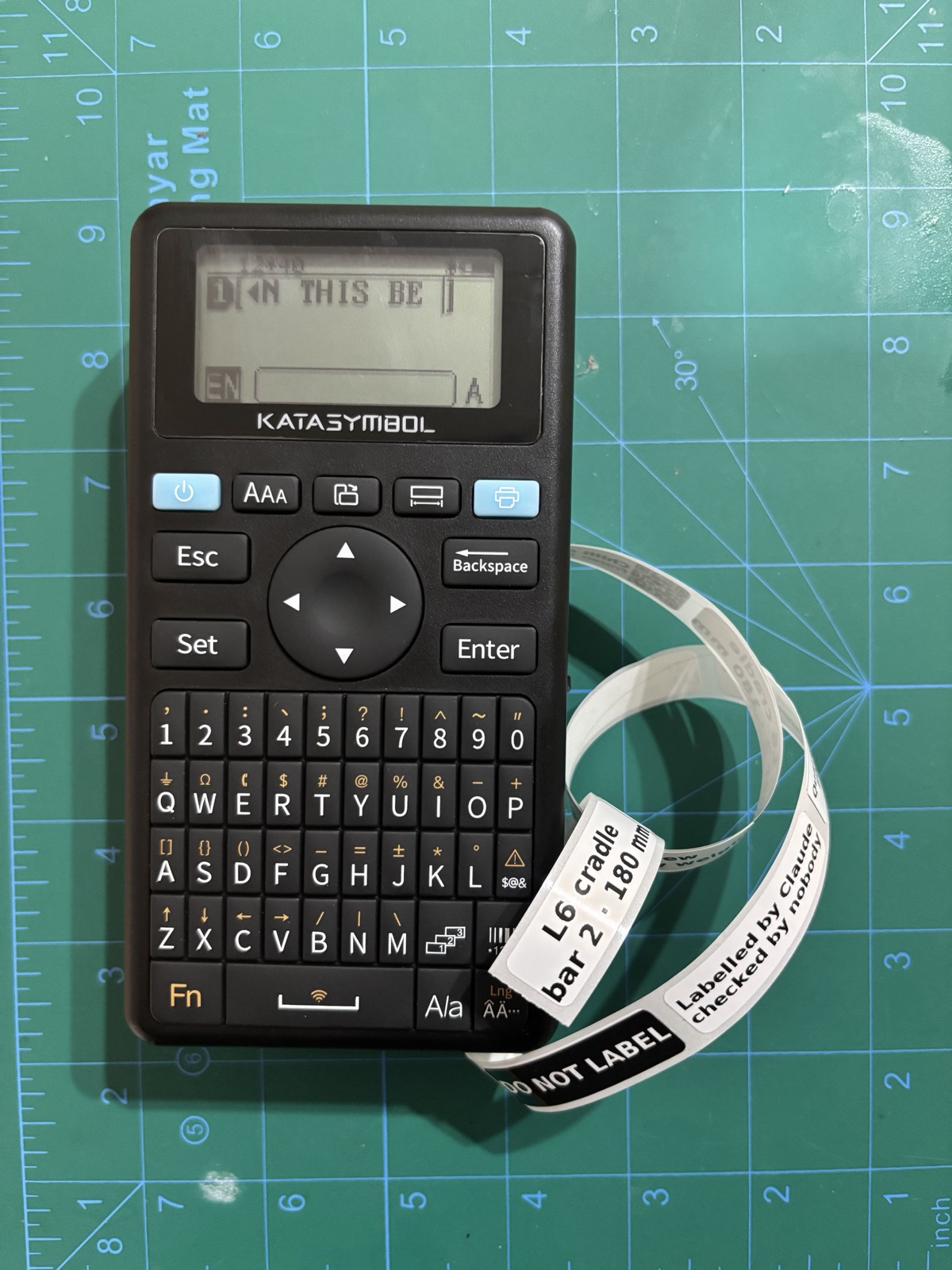
Labelling things was never hard. It was just fiddly enough that I never did it.
I'd 3D-printed twelve clips to hang six pan lids inside a cupboard door, a cradle and a hook for each lid, spread over four bars. Claude had worked out the layout with me, so it knew which clip went where. They came off the printer as twelve near-identical black lumps.
You didn't put any labels on these. How am I meant to know which hook is meant for which pan?
You're right, I should have marked them… Sort them once and I can print a small tag for each on the label printer, like "L6 cradle · bar 2". I'll show you a preview first.
ok lets print some labels
Here's the preview for one of the 12. The printer is connected and has 40 mm labels loaded, 161 left.
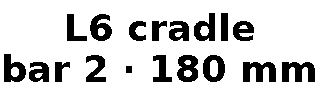
yes print all 12
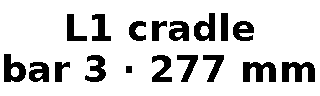
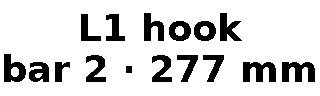
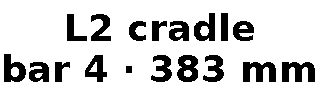
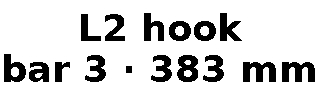
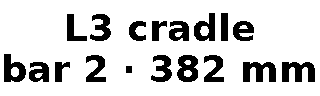
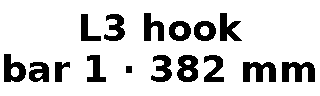
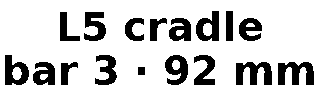
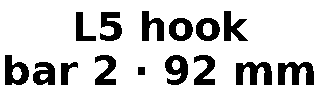
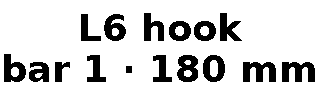
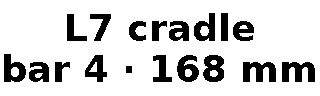
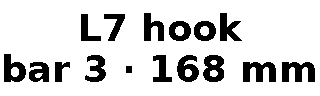
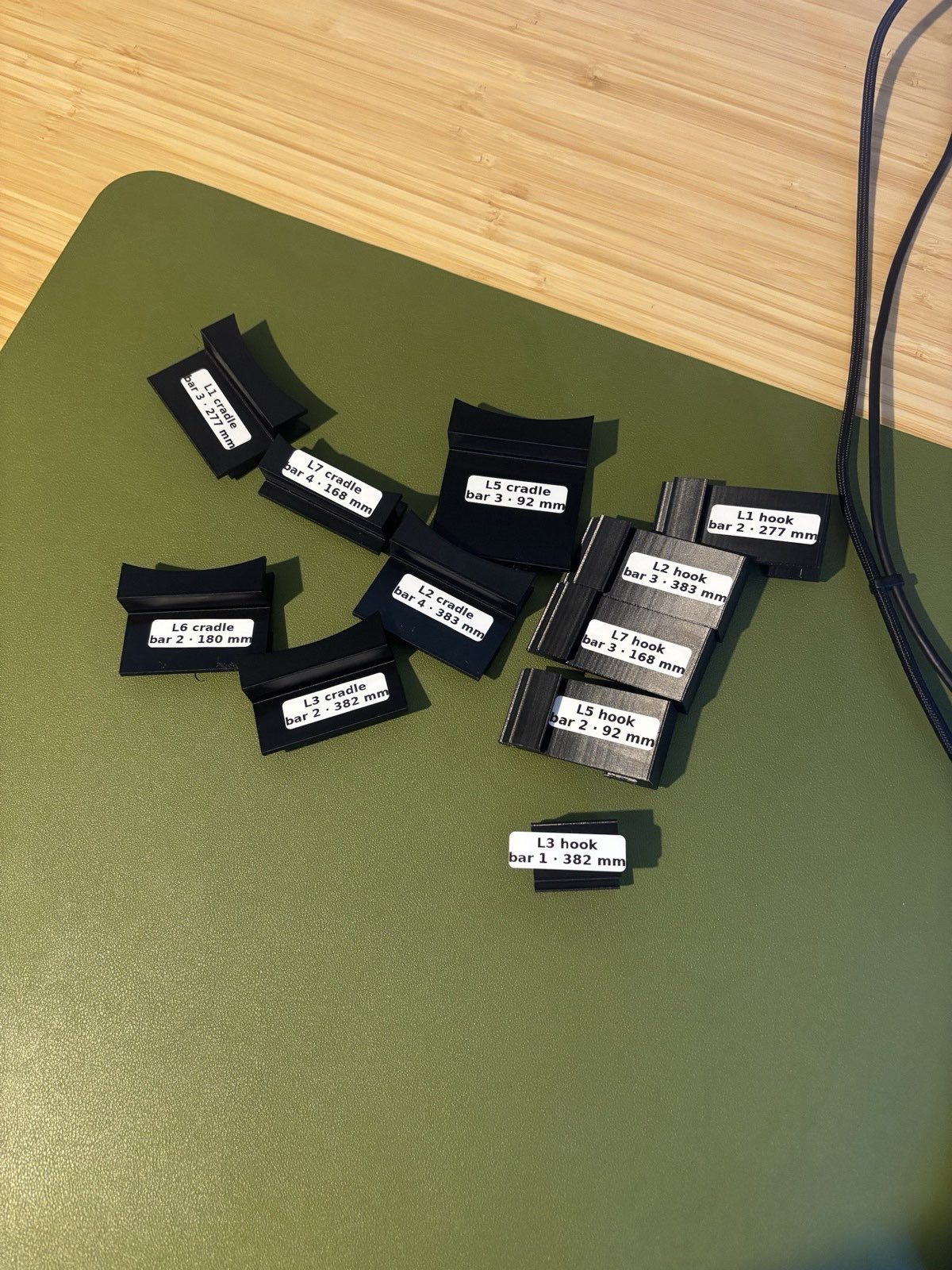
I only complained that the clips weren't marked. It was Claude that brought up the printer. Nobody types twelve labels with measurements on a thumb-sized keyboard. I'd have used a marker pen, badly, or nothing at all.
The agent already knows what the label should say. It has the layout, or the recipe, or the date, so writing the label costs it nothing. It just needed a printer.
Freezer labels
The first real user wasn't an agent. YAMP, my meals app, keeps a list of what's in the freezer, and every batch now has a print button. Out comes the dish, the date it went in, and a QR code that opens the recipe.
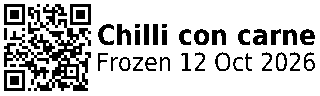

The QR code links to a short address written in capitals, because QR codes pack capitals more tightly. Each square then gets three dots instead of two, which a phone finds much easier to read off a 12 mm label.
How it fits together
Bluetooth only reaches about one room, so the home server owns the printer and everything else talks to it. Clients send it words, like "freezer label, chilli, frozen today", and the service draws the label itself. So a label looks the same whoever asked for it.
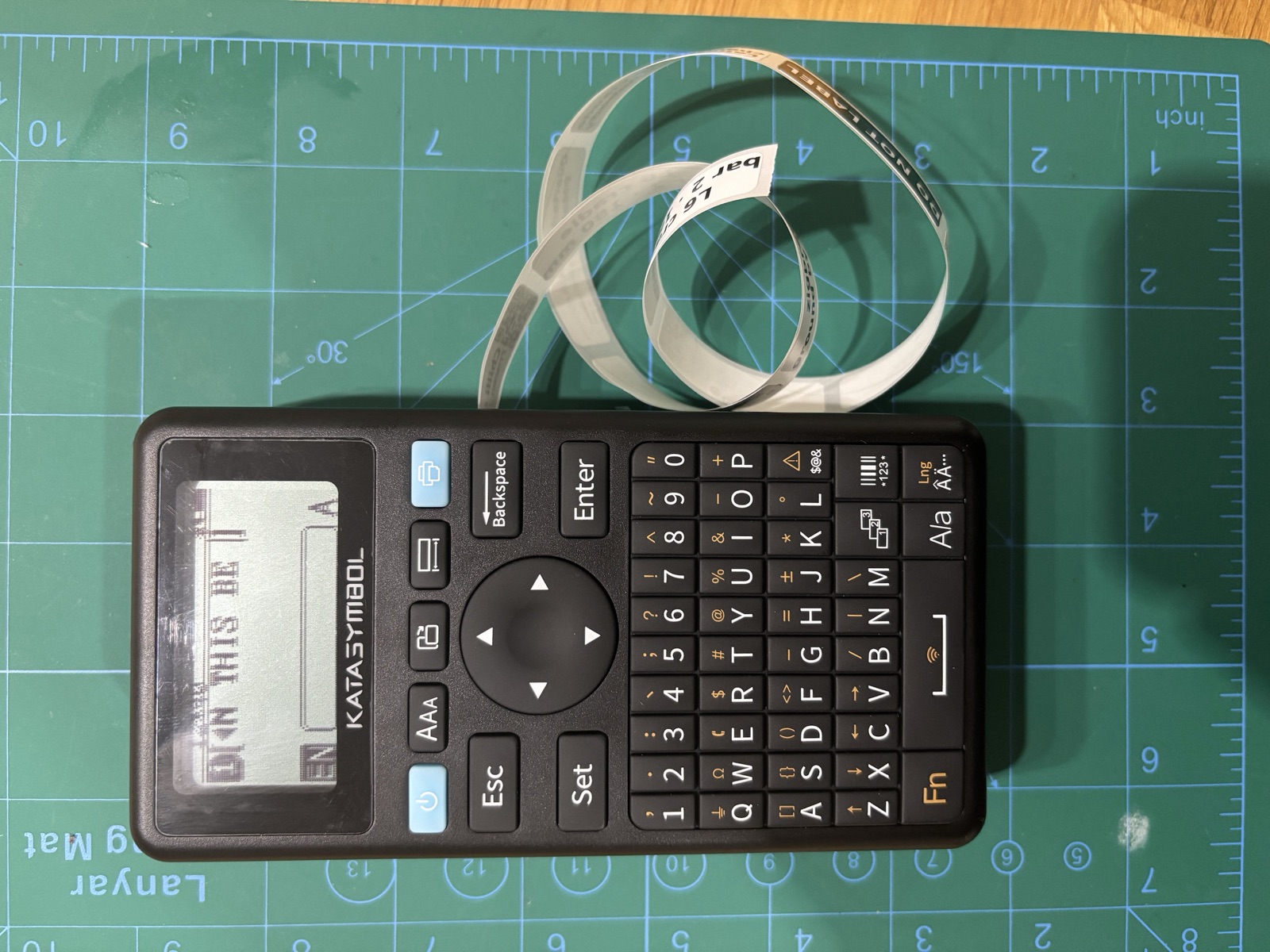
Claude talks to it over MCP. It has three tools (check the printer, preview, print) and it always shows me the preview and waits for a yes.
The protocol was someone else's hard work. heeen/supvan-cups reverse-engineered it, and efcroasdell's fork and Curetix/label-printer worked out the E11. I ported the parts I needed to Python, in supvan-e11-mcp. This is what one 40 × 12 mm label turns into on the way.
What fought back
- 01macOS killed it on sight.
Programs Claude Code starts can't use Bluetooth, so the first version needed a tiny bridge app to own the connection.
- 02Docker Swarm can't reach Bluetooth.
So the service is a plain Compose container, with a small nginx inside Swarm as its front door.
- 03The printer falls asleep.
After 15 to 20 minutes, and nothing over Bluetooth wakes it. You get "is it switched on?" instead of a connection error.
- 04Bots found the front door.
Every app has its own token, there are rate limits, and bans use the real address from Cloudflare's header.
The printer should work in any room.
Today it has to be within reach of the server's own radio. The service already knows how to use ESPHome Bluetooth proxies, small boards that pass Bluetooth on to the network, so another room should be one plug and one line of config.
The service, MCP server and command line are on GitHub as marco308/supvan-e11-mcp, MIT licensed.